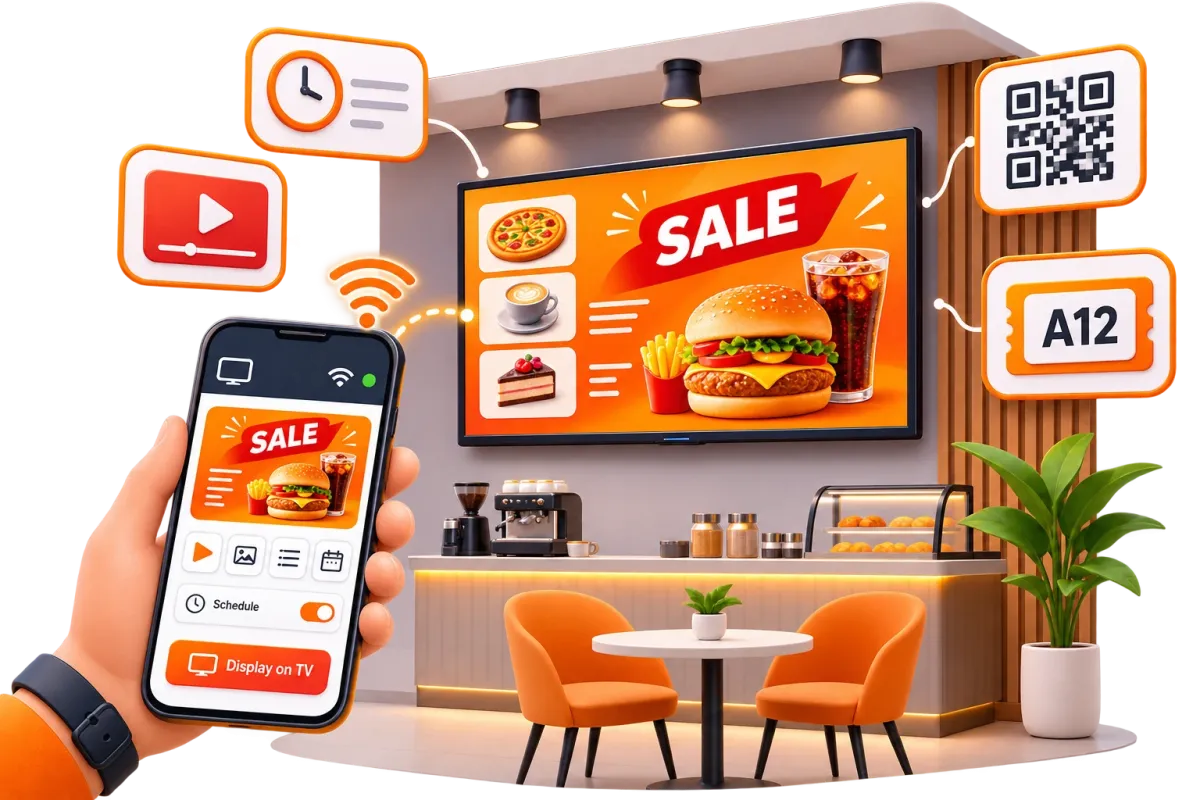
Turn any TV into a digital signage screen. Show menus, offers, token numbers, live TV and ads — and change all of them from your phone in seconds.

AYMRK is cloud digital signage software. You install the free AYMRK Player on a TV, pair it with your account, and control what it shows from a web dashboard or phone app — images, videos, PDFs, menus, token boards, YouTube, live TV channels and more. If the internet drops, screens keep showing the last content and reconnect on their own.
Start free →Ready-made layouts and templates for the places where a screen makes the biggest difference.

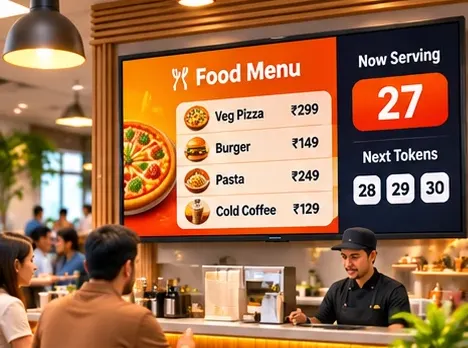
Menus that change by the hour and token numbers your guests can see.

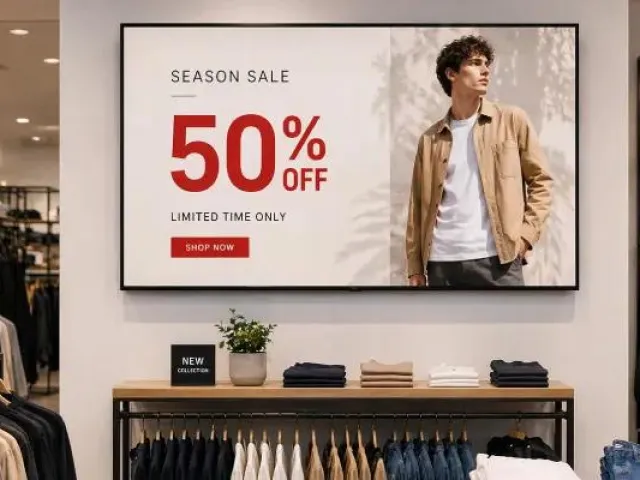
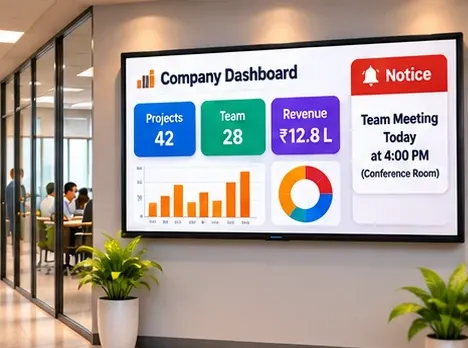
Turn every TV in the store into a sales assistant.

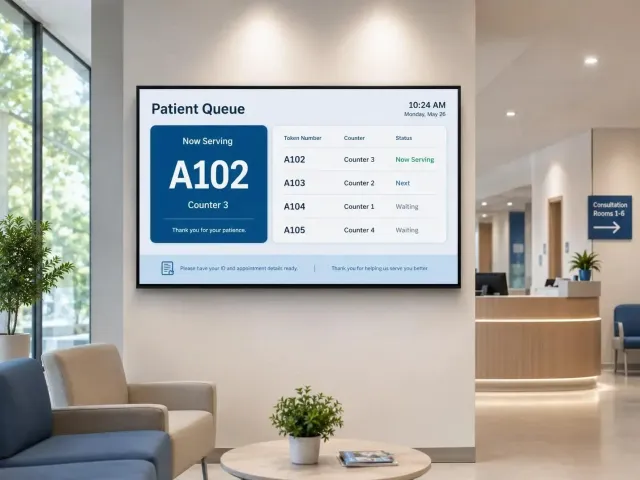
Calmer waiting rooms and fewer “when is my turn?” questions.

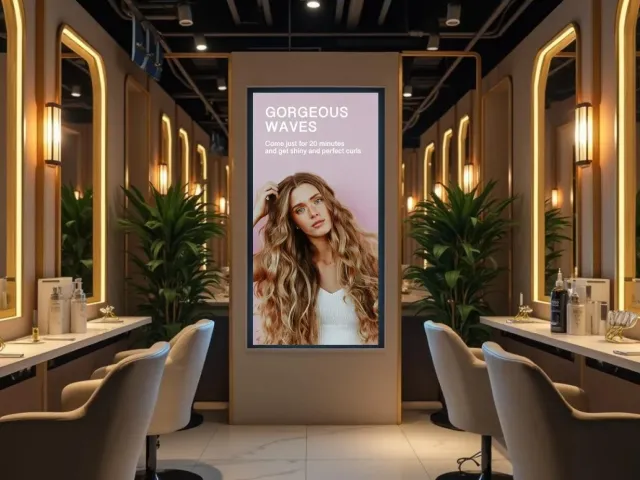
Show your services, packages and happy-customer reviews.

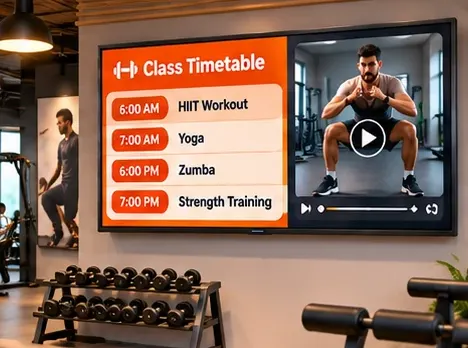
Class timetables, trainer spotlights and workout videos.

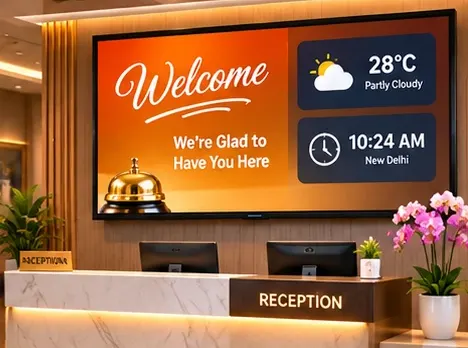
Welcome guests by name and show what is happening today.

Keep every floor informed without emails nobody reads.

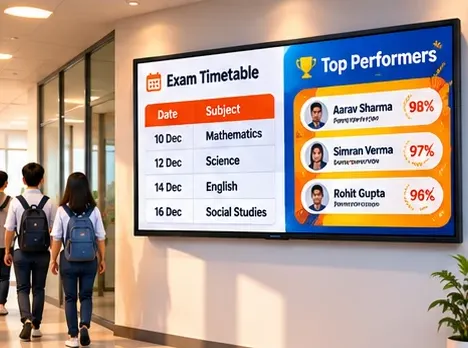
Results, timetables and announcements on every corridor TV.

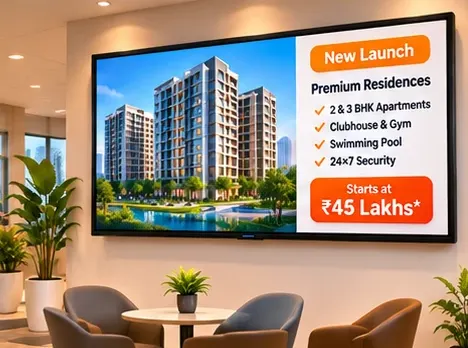
Project walkthroughs and price lists that sell while you talk.
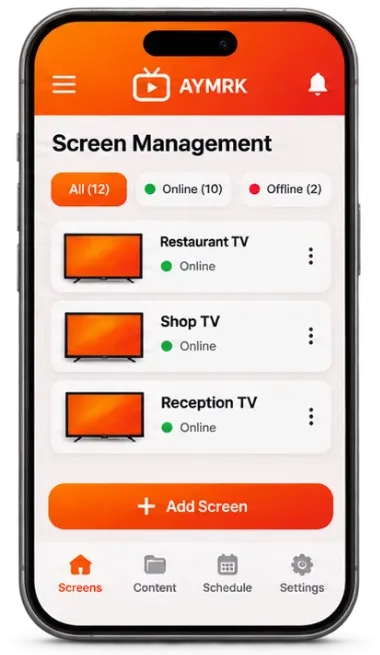
One dashboard for every TV, every branch and every kind of content.
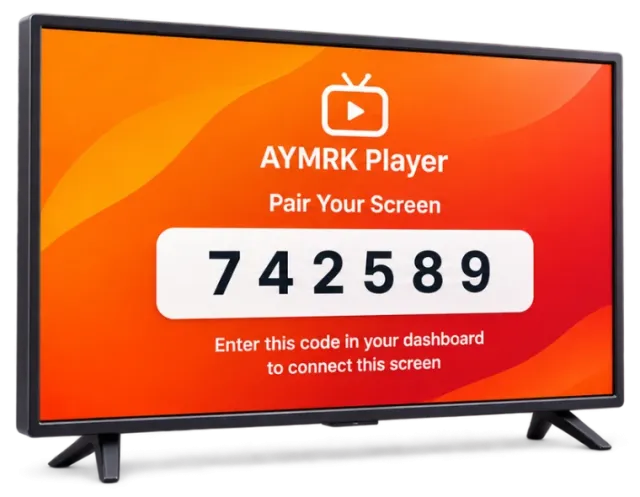
Open the player, type the 6-digit code in your dashboard — done.
Banners, split screens, token boards, clocks, weather, QR and more — no designer needed.
Play news channels, live streams, YouTube videos and playlists.
Morning menu, evening offers, weekend playlists — all automatic.
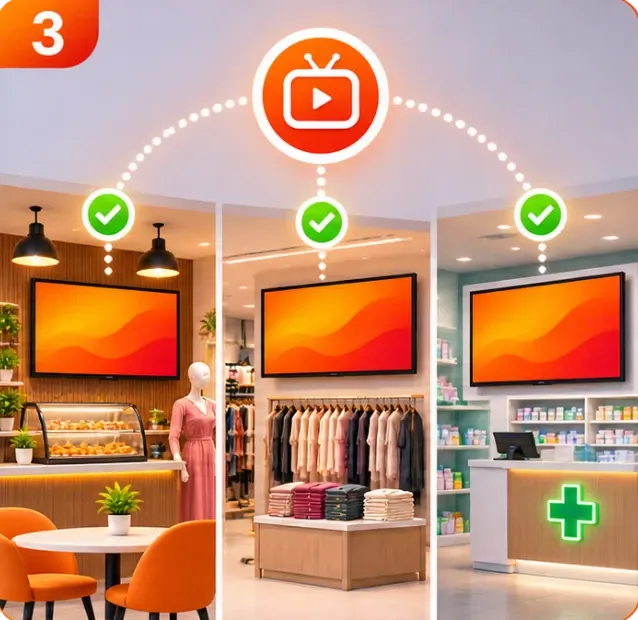
Send content to one TV, one branch or every screen at once.
Describe what you want and get a ready-to-play design.
Images, videos and PDFs in landscape or portrait, with approvals.
Push an urgent message to every screen instantly.
Proof of what played, where and for how long.
Invite staff and limit them to the screens they manage.
Let local advertisers book time on your screens and get paid.
Manage everything from the AYMRK Play app on your phone.
No technician, no wiring, no special hardware.
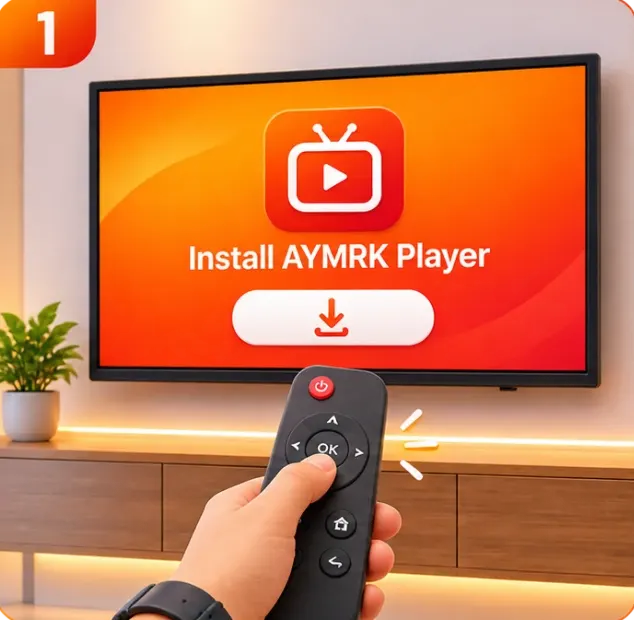
1Install the AYMRK Player app on your TV, or open mail.aymrk.com/player in its browser.
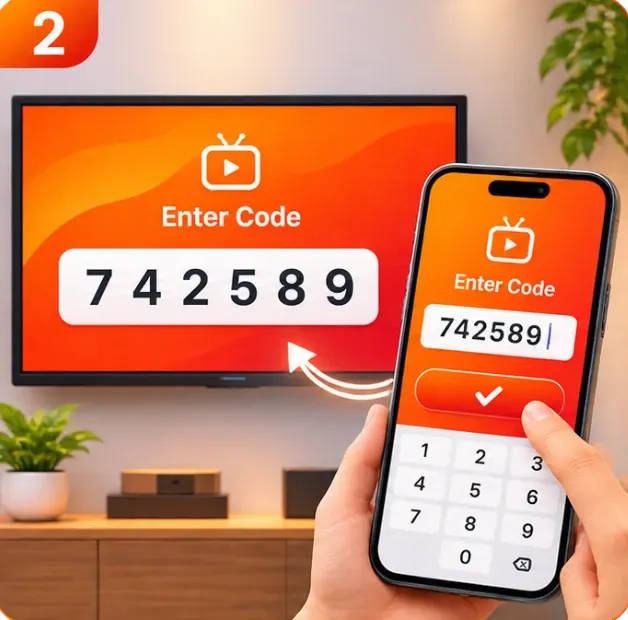
2The TV shows a 6-digit code. Type it in your dashboard under “Pair new TV”.
3Pick media, a template or a schedule — the TV updates in seconds.
AYMRK connects TV owners with local advertisers.

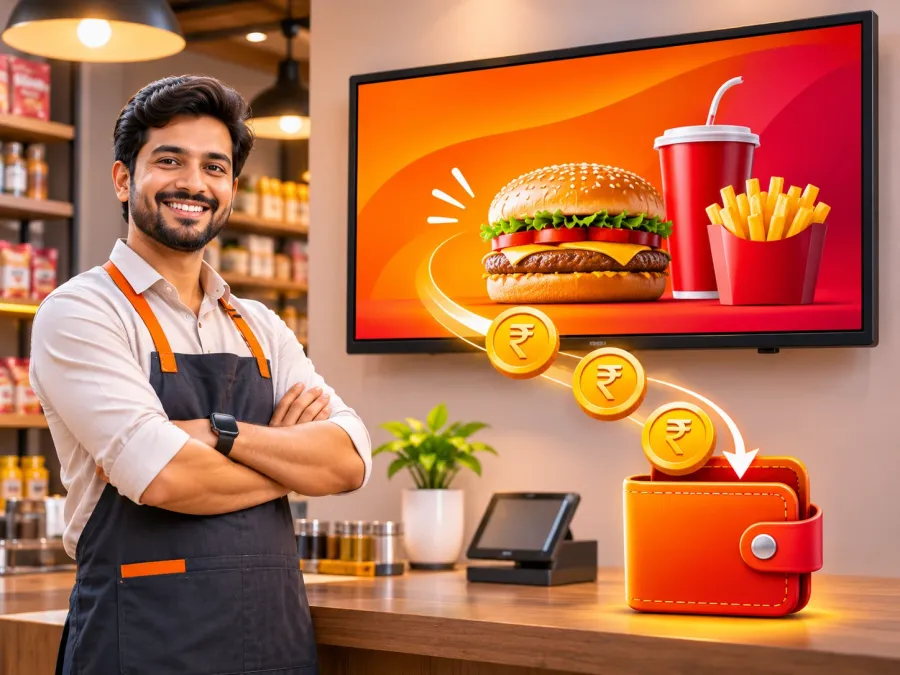
Switch on Ads & Earnings and nearby businesses can book short ad slots on your screens. Every ad is checked before it plays, and you earn from each booking.
Start earning
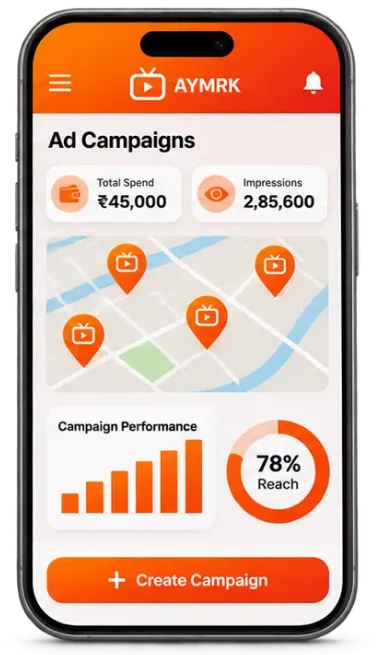
Book ads on TVs in shops, clinics and gyms near your customers. Pick the area, upload your ad and pay only for the slots you book.
Advertise with AYMRKOne price per screen. No setup fee, no hidden charges, and every feature is on from day one. Start on the Free plan and upgrade when you need more.
Running 25+ screens? Get a custom quote on WhatsApp →
Compared with the usual ways of putting content on a TV.
| AYMRK | USB pen drive | Costly signage players | |
|---|---|---|---|
| Update from anywhere | ✓ From phone or PC | ✗ Visit every TV | ✓ |
| Hardware cost | Use your TV | Low | High per screen |
| Schedules & playlists | ✓ | ✗ | ✓ |
| Token boards, live TV, YouTube | ✓ Built in | ✗ | Often extra |
| Proof of play reports | ✓ | ✗ | Sometimes |
| Earn from ads | ✓ | ✗ | ✗ |
Free apps for your TV and your phone.
Still unsure? Message us on WhatsApp — we reply fast.
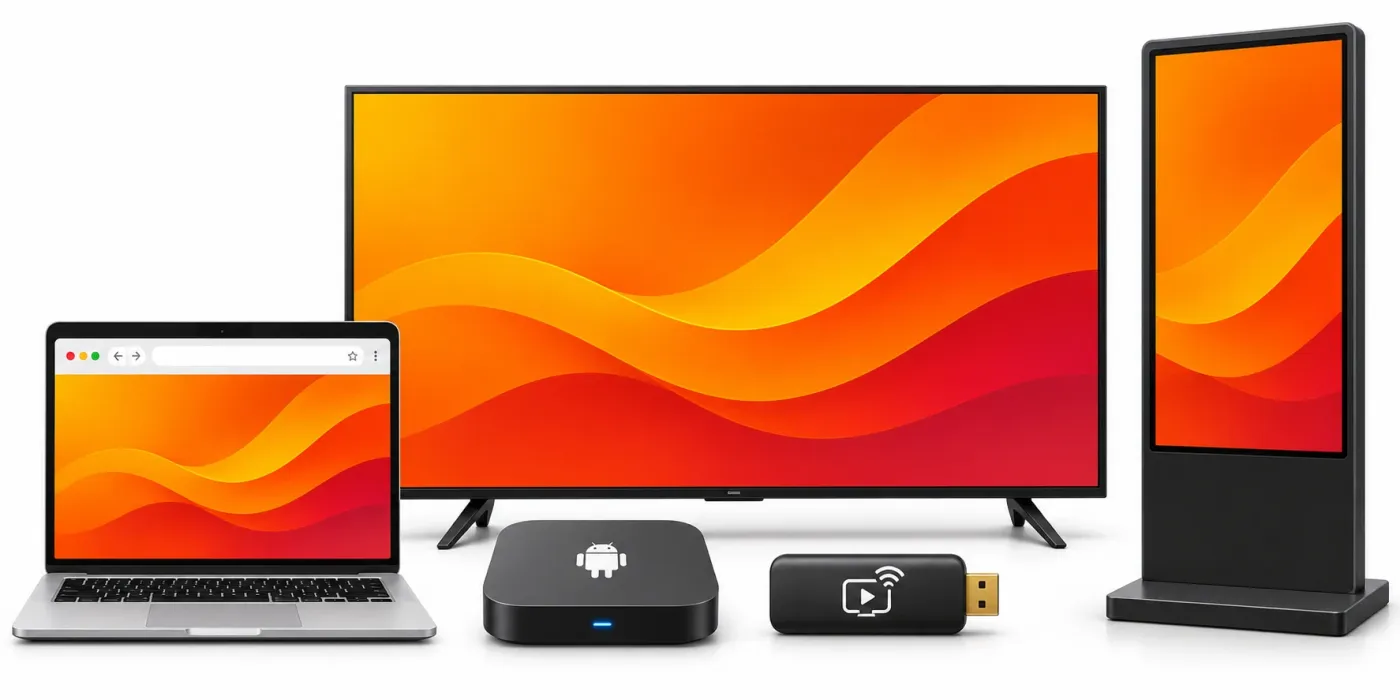
Any Android TV, Google TV, Fire TV stick or Android TV box with our TV app. Any smart TV or PC with a web browser can also open the player page.
No. Use the TV you already have. If your TV is not smart, a low-cost Android TV stick is enough.
Your screens keep showing their last content and reconnect automatically, picking up any changes when the internet is back.
Yes. Everything is in the cloud, so you can update a screen in another city from your phone.
Yes — the Free plan is free forever: 1 screen, 500 MB storage and 50 templates. Upgrade any time. No card needed.
Yes. Turn on Ads & Earnings and local advertisers can book slots on your screens. You keep a share of every booking.
Start on the Free plan — free forever. No card required.